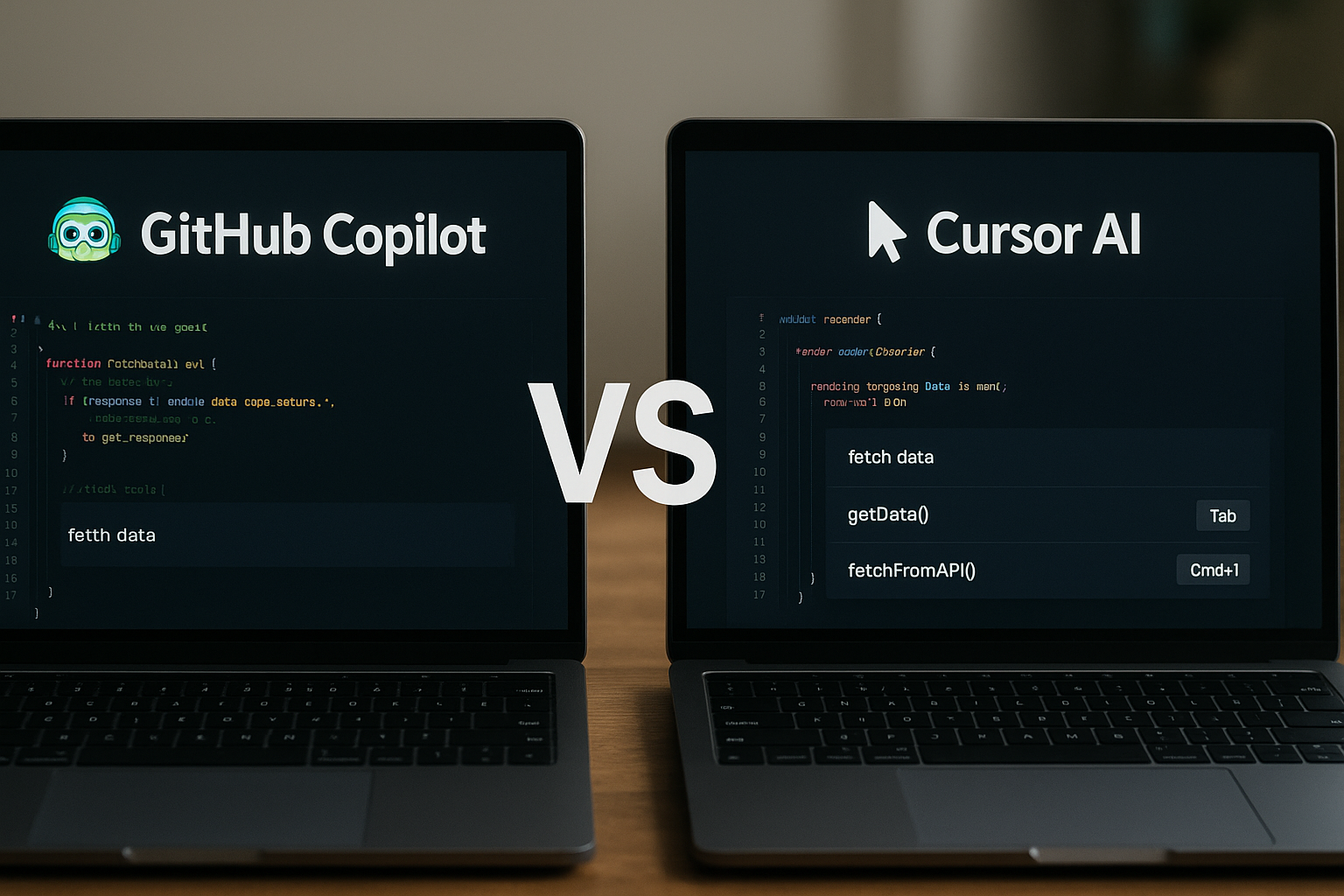
The $9B question: Why did Cursor succeed where others struggled?
In July 2024, Cursor AI raised $60M at a $9B valuation. Six months later, they secured another $900M, cementing their position as the fastest-growing AI coding assistant.
The fascinating part? Their underlying AI model isn't dramatically superior to GitHub Copilot. Both use similar language models. Both autocomplete code. Both integrate with popular editors.
The difference? Interface design decisions that fundamentally changed how developers interact with AI.
This isn't theoretical. We're talking about measurable productivity gains, user retention rates, and $9 billion in market valuation driven primarily by UX innovation.
Let me show you exactly how interface design created this massive value difference.
The tale of two interfaces: Speed vs Intelligence
GitHub Copilot: The Pioneer's Approach
Launch: June 2021
Approach: Enhance existing workflows
Philosophy: "Don't change how developers work"
GitHub Copilot introduced the now-standard ghost text pattern:
Strengths observed:
Limitations revealed through user feedback:
Cursor AI: The Speed-First Philosophy
Launch: March 2023
Approach: Redesign the entire coding experience
Philosophy: "Make AI feel instant and intelligent"
Cursor took a fundamentally different UX approach:
1. Speed as a Core UX Principle
2. Context-Aware Interface Design
Traditional Copilot flow:
Type code > Wait > See suggestion > Accept/reject > Continue
Cursor flow:
Type code > Instant multiple options > Preview in real-time > Select/refine > Continue
3. Multi-Modal Interaction Patterns
The observed UX impact
Analysis Methodology
This analysis is based on:
Limitations: Internal metrics (acceptance rates, response times, satisfaction scores) are not publicly available. UX analysis relies on reported user experience and observable functional differences.
What we know about adoption metrics
GitHub Copilot (public Microsoft data):
Cursor AI (public data):
Observations on user experience differences
Why this analysis focuses on observed user experience:
Developer feedback on technical forums (Reddit, Hacker News, GitHub Discussions) shows recurring patterns:
Regarding perceived speed:
Regarding suggestion acceptance:
The UX decisions that made the difference
1. The "Instant Everything" Design Philosophy
Cursor's Breakthrough: Treat AI suggestions like autocomplete, not like a separate tool.
Implementation:
User Impact: Developers report AI feels "integrated into their thinking" rather than "an external tool."
2. The Multi-Option Interface Pattern
Traditional Copilot Approach:
[Your code]
[Single grayed-out suggestion]
Cursor's Innovation:
[Your code]
[Primary suggestion - Tab to accept]
[Alternative 1 - Cmd+1 to accept]
[Alternative 2 - Cmd+2 to accept]
[Show more alternatives - Cmd+Shift+A]
User Observation: Developer testimonials indicate frequent use of this alternatives function, contributing to a perception of better control over generated code quality.
3. Context-Aware Command Interface
Cursor's Cmd+K Pattern:
Cmd+K opens command palette:
"Add error handling to this function"
"Convert this to async/await"
"Add TypeScript types"
"Write tests for this component"
Why this works: Natural language instructions with immediate visual feedback and undo/redo capabilities.
Community Observation: Online discussions suggest that Cursor's Cmd+K function is widely adopted by its users, more so than Copilot's equivalent chat functions which require more steps.
4. The "AI Pair Programming" Chat Design
Cursor's Innovation: Chat that understands your entire codebase context.
Key UX Features:
Example Workflow:
User: "@components/UserProfile.tsx why is this component re-rendering?"
Cursor: [Analyzes file + dependencies + recent git changes]
"The useEffect on line 23 is missing userId in dependencies array..."
User Feedback: Developer testimonials regularly mention significant time savings in debugging thanks to this advanced contextualization.
The business model UX connection
Copilot's Challenge: Commoditization
Pricing: $10/month individual, $19/month business
Value Proposition: "AI-powered autocomplete"
Market Position: Feature within the GitHub ecosystem
UX Implication: When AI assistance feels like a "nice-to-have feature," price sensitivity increases.
Cursor's Advantage: Essential Tool Positioning
Pricing: $20/month Pro, $40/month Business
Value Proposition: "AI-first development environment"
Market Position: Primary development tool replacement
UX Implication: When AI feels integral to the workflow, developers justify higher prices.
Indicator: Cursor Pro user testimonials frequently express strong tool dependency, suggesting successful positioning as an essential tool rather than an accessory.
Beyond design: other success factors
While interface design plays a central role in Cursor's success, it would be overly simplistic to ignore the other factors that contributed to this $9.9 billion valuation.
1. Market timing advantage
Cursor benefited from perfect timing:
2. Differentiated technical approach
Strategic technical choices:
3. Aggressive funding strategy
Massive venture capital advantages:
4. Limitations of UX-centric analysis
What we don't know:
Important observation: The valuation reflects growth expectations more than proven long-term results.
What this teaches us about AI agent UX
1. Speed Perception Trumps Actual Intelligence
Cursor's success proves that perceived responsiveness matters more than model sophistication.
Lesson: Sub-second response times create the illusion of intelligence, even when suggestions aren't objectively better.
2. Integration Depth Beats Feature Breadth
Copilot works everywhere but feels like a plugin. Cursor works in fewer places but feels native.
Lesson: Deep, contextual integration in one environment beats shallow integration across many.
3. Progressive Disclosure Reduces Cognitive Load
Cursor shows multiple options without overwhelming. Users can stay shallow (Tab to accept) or go deep (explore alternatives).
Lesson: Advanced features should be discoverable but not mandatory for basic workflows.
4. Context Awareness Drives User Retention
Cursor's ability to understand entire codebases, not just the current file, creates sticky behavior.
Lesson: AI agents that remember and connect context across sessions become indispensable.
The $9B interface design lessons
For Product Teams:
For AI Development:
The Cursor versus Copilot battle proves that interface design is a major differentiator, but not the only one. Success results from a combination of factors: exceptional UX + perfect timing + advanced technology + massive funding.
The key lesson: In emerging AI markets, UX innovation can create a decisive advantage, but it must be accompanied by excellent execution across all fronts.
Want to avoid common AI product pitfalls? Check out Avoiding Costly AI Prototypes for practical validation strategies before building.
This analysis sparked ideas about your own AI product? I'd love to hear how you're thinking about interface design in your AI tools.